Priority Ring
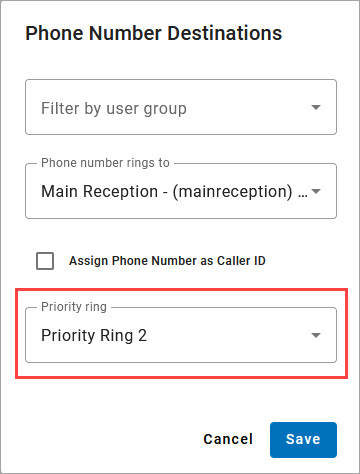
Priority Ring applies a unique ringtone to incoming calls placed to a particular phone number, causing the user's device(s) to ring differently. This is also called Distinctive Ring.
When enabled, the call's SIP header contains the value telling the configured device to ring a certain way. Every device will have different ring patterns based on the manufacturer.
Priority Ring can also be enabled based on the caller ID of the inbound caller. See Priority Ring in Call Screening.
In the portal, go to .
Locate the phone number and click the
 destination icon on the right.
From the menu, select a ring type.
Click . All calls to that phone number will now ring user devices accordingly.