Modify Schedules
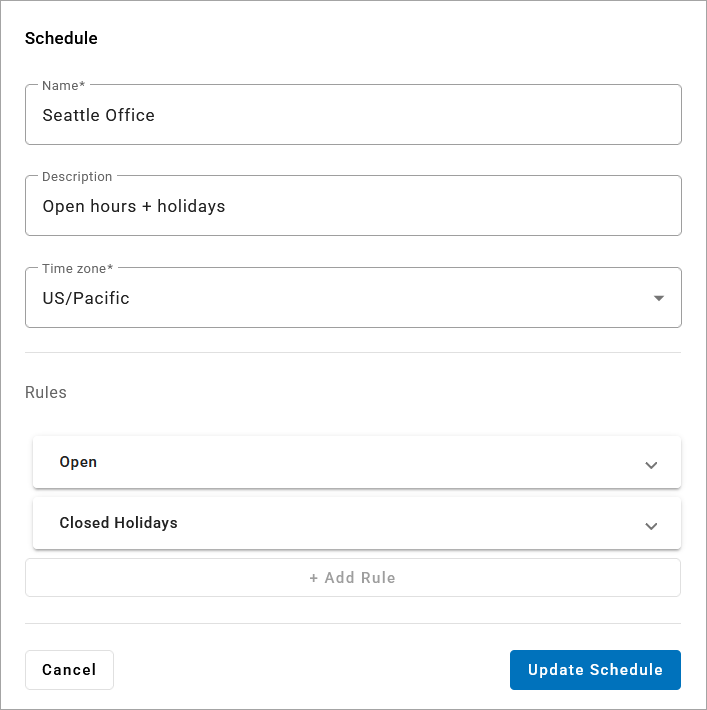
Schedules can be modified at any time, but there are limitations: Once a schedule is assigned to an auto-attendant, rules cannot be added, removed, or rearranged, since those changes would break the auto-attendant's call flow. However, you can modify the Date & Time periods for individual rules.
For example, if your schedule has a custom rule for holidays (or dates in which you are closed), and this year the company is closing early for a party, you can add a new Date & Time period to account for it. Or if the party was on June 16 last year, but it’s planned for July 12 this year, you can update the date.
In the tab, select an existing schedule to modify.
Expand a rule and make any changes as needed. To collapse the rule again, click the
 checkmark in the bottom right.
When you’re done, click to apply your changes.
 |